How DNS Works: Gathering Network Information Through DNS Queries
In this post I'll try to explain "what DNS (Domain Name System) is, how it works, and how to gather information about a network through DNS queries?"

Hello everyone :) In this post, I’ll try to explain “what DNS (Domain Name System) is, how it works, and how to gather information about a network through DNS queries?”
DNS (Domain Name System)
DNS is what we know in Turkish as Alan Adı Sistemi (Domain Name System) or Alan Adı Sunucusu (Domain Name Server). As we know, IP addresses are generally hard to memorize, which is why domain names became part of our lives. Thanks to this, instead of using an IP address, we can easily reach the site we want on the internet by using the domain name that corresponds to that IP address. This is exactly where DNS — the Domain Name System — comes in.
You can think of DNS as being like the contact list, or phonebook, on our phones. Since we can’t keep someone’s number in our head, we save it in our phonebook along with their name. Here, we can describe the phone numbers as IP addresses, and the names we save as domain names. DNS, then, is where domain names and the IP addresses assigned to them are kept.
How does DNS work?
DNS starts working when a user sends a request to the domain name of the website they want to reach. The domain names used to access websites, and the IP addresses those domain names represent, are kept on servers called DNS servers. The browser connects to a DNS server, the IP address mapped to the domain name is found, and a request is sent to that address. It then redirects you to the address you wanted.
A domain name and its matching IP address is called a “DNS record.” In short, this is how it works:
-
1. The Hosts File
To find the IP address of the domain name we want to resolve, the computer first checks the hosts file. If the required entry exists there, the desired IP address is found.
On Windows systems, the hosts file is located in the “C:Windows\System32\drivers\etc” directory.
-
2. DNS Cache
If the IP address for the domain name can’t be found in the hosts file, the DNS cache is checked next. If that domain name has been visited before, the resolved IP address is kept in the cache so that a DNS query doesn’t have to be repeated for every subsequent lookup.
If the IP address for the domain name can’t be found in either of the two steps I mentioned — the hosts file and the DNS cache — the IP address lookup will necessarily have to go through DNS servers. This process continues as follows:
- DNS servers configured at the operating system level
- DNS servers configured on the modem
Performing a DNS Lookup
I’ve covered what DNS is and how it works. Now I’ll explain how to find the DNS records for my own domain. There are many tools available for this. In this section, I’ll use dnsdumpster.com.
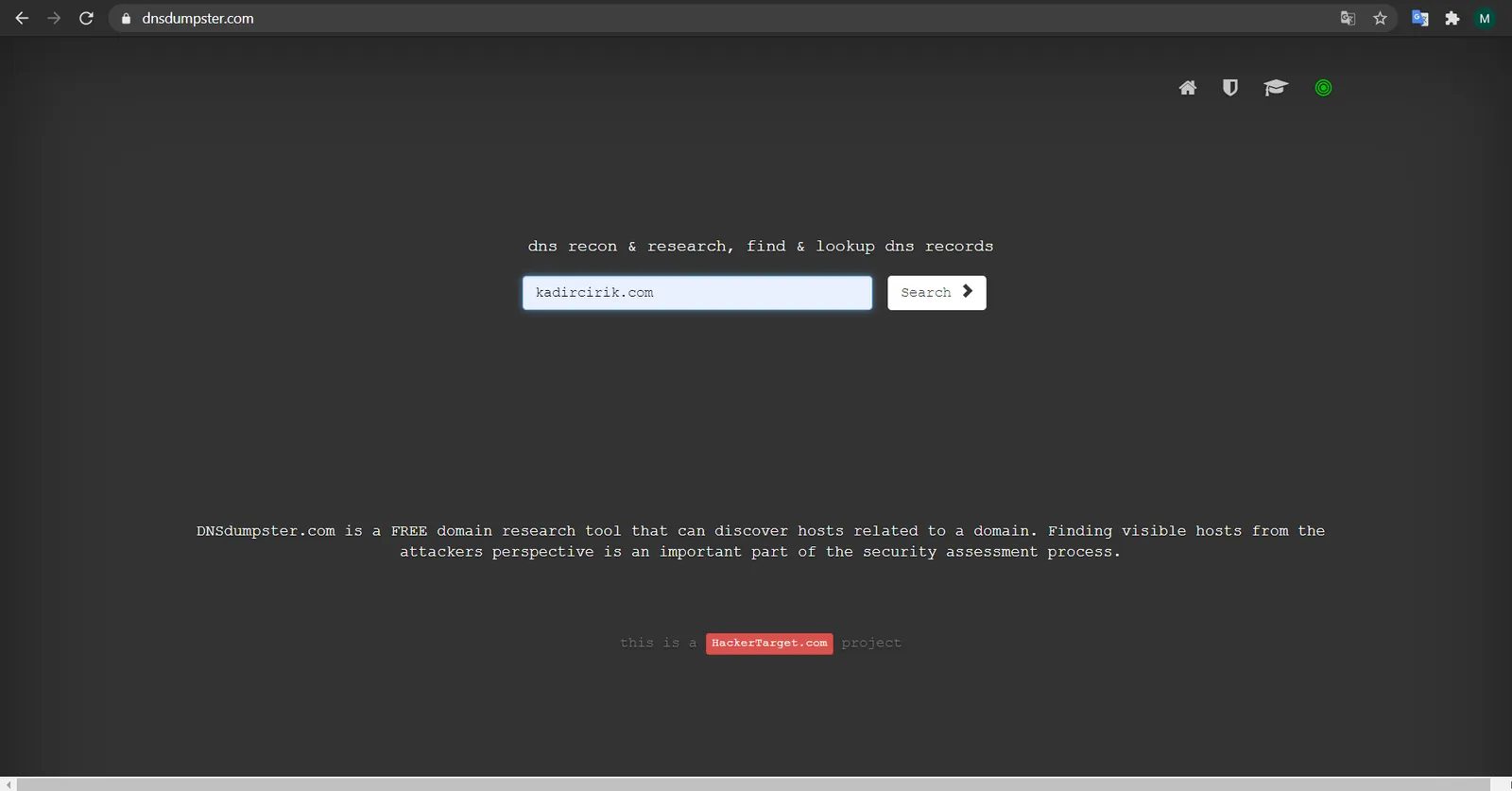
- First, we go to dnsdumpster.com and enter the domain name we want to query. After entering the domain name and clicking “search,” we’ll get the information we need about that domain’s DNS records.
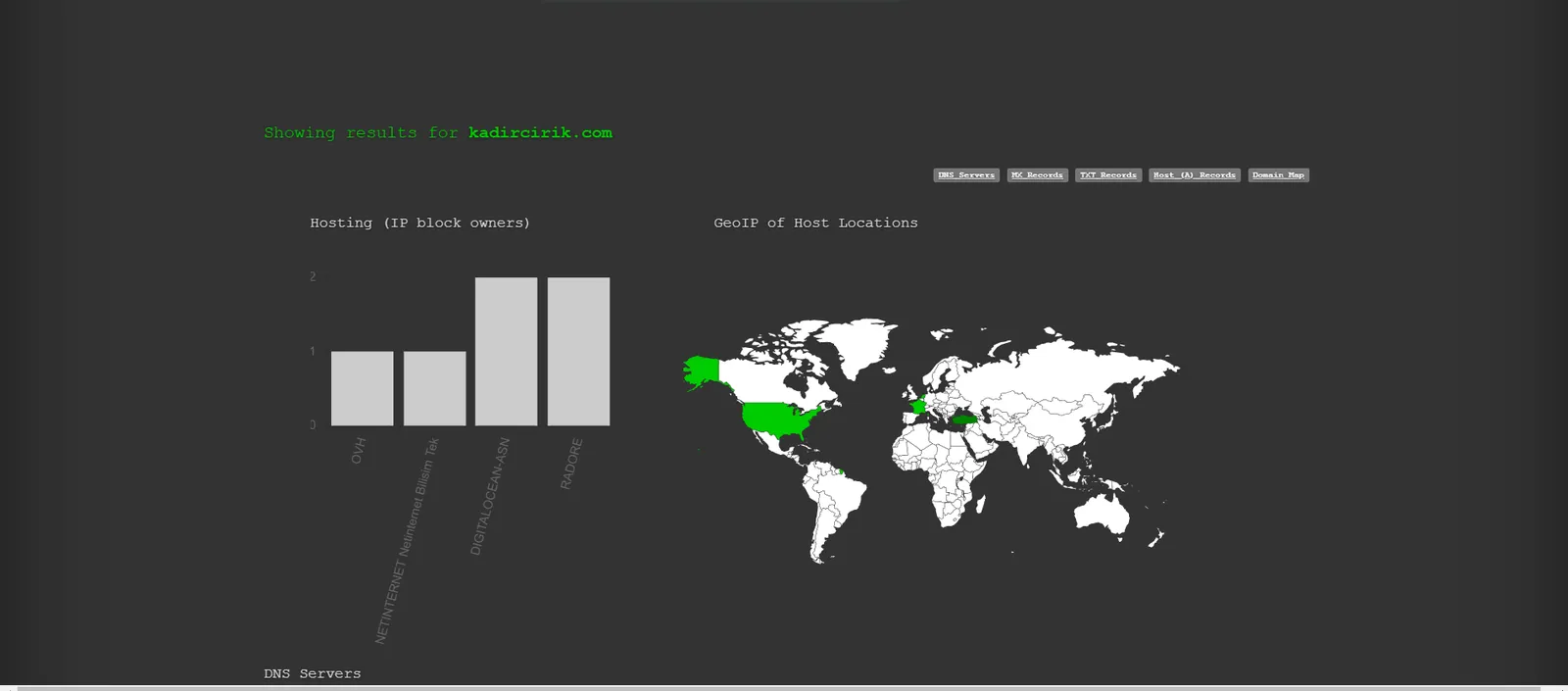
- At this step, we can see the coordinates of the servers assigned to the domain name on a map.
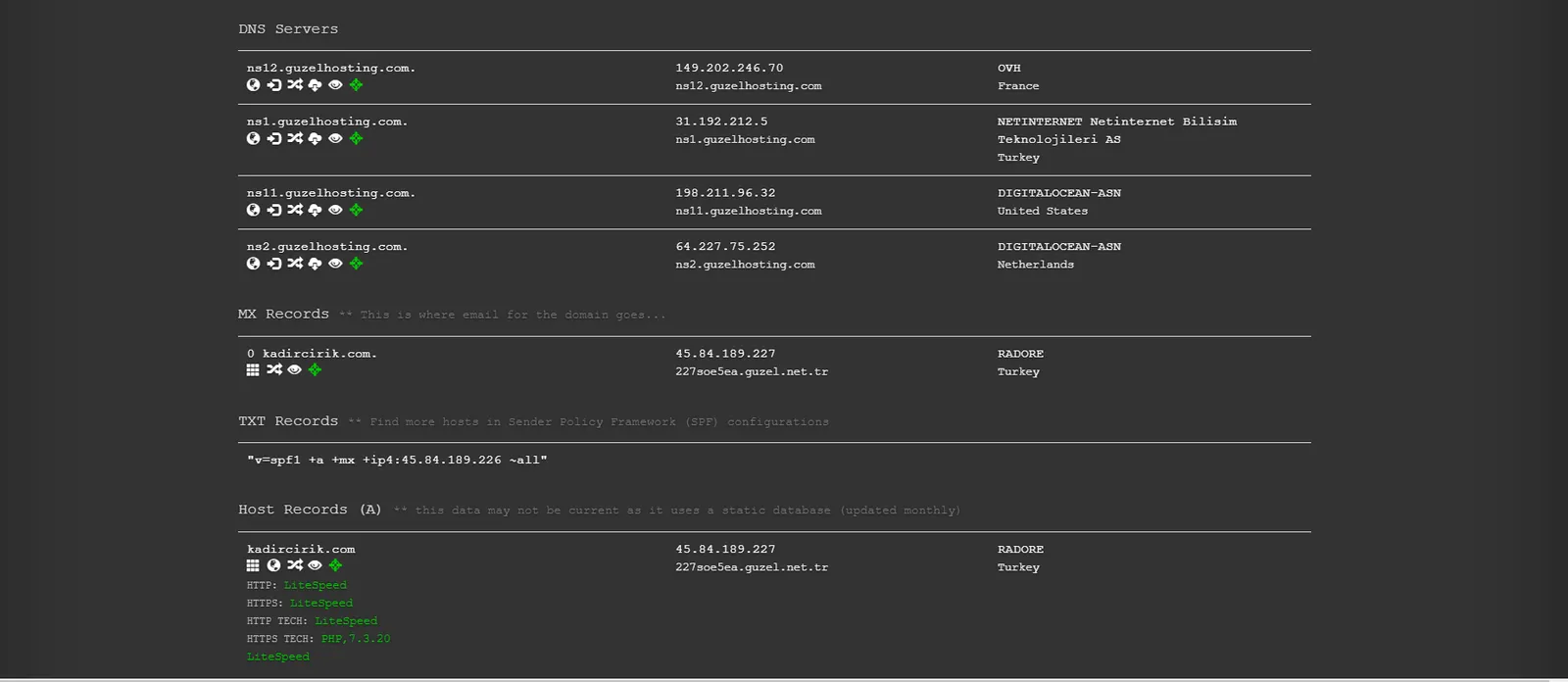
- At this step, you can see the names, IP addresses, hosting companies, and countries of the records defined for the domain name.
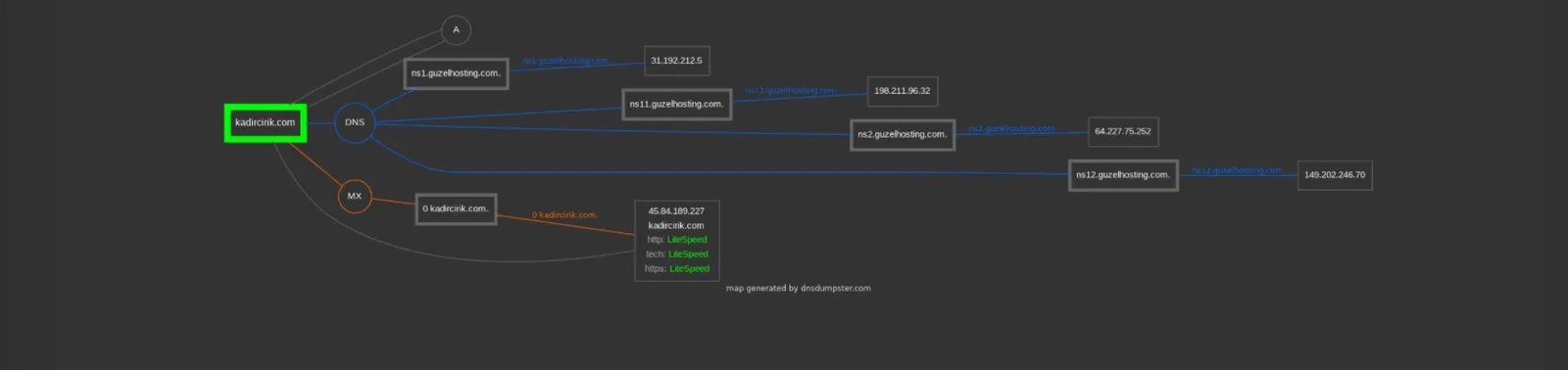
- At this step, we see the servers assigned to our domain laid out on a network map.
In this post, I covered a topic I recently learned about myself and am not yet fully an expert on. I hope it was useful to you. Happy reading. :)